Change a limit in seconds
Rules live in your database. Edit one in the dashboard, with Artisan or in code, and every server applies it within two seconds, with no deploy.
Per IP, user, API token, header or tenant, with dry-run, exemptions, emergency switches and a dashboard. Now in public beta.
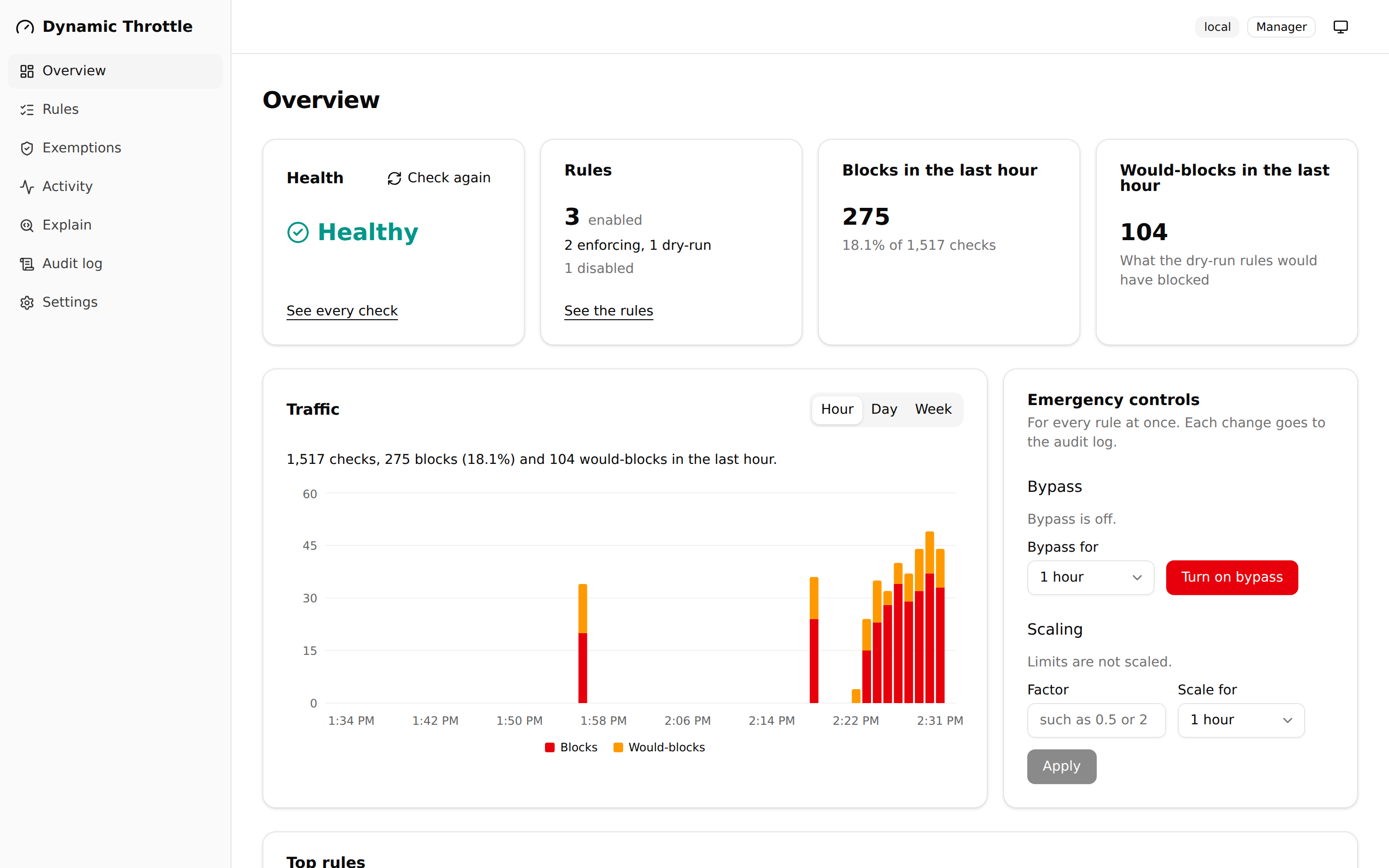
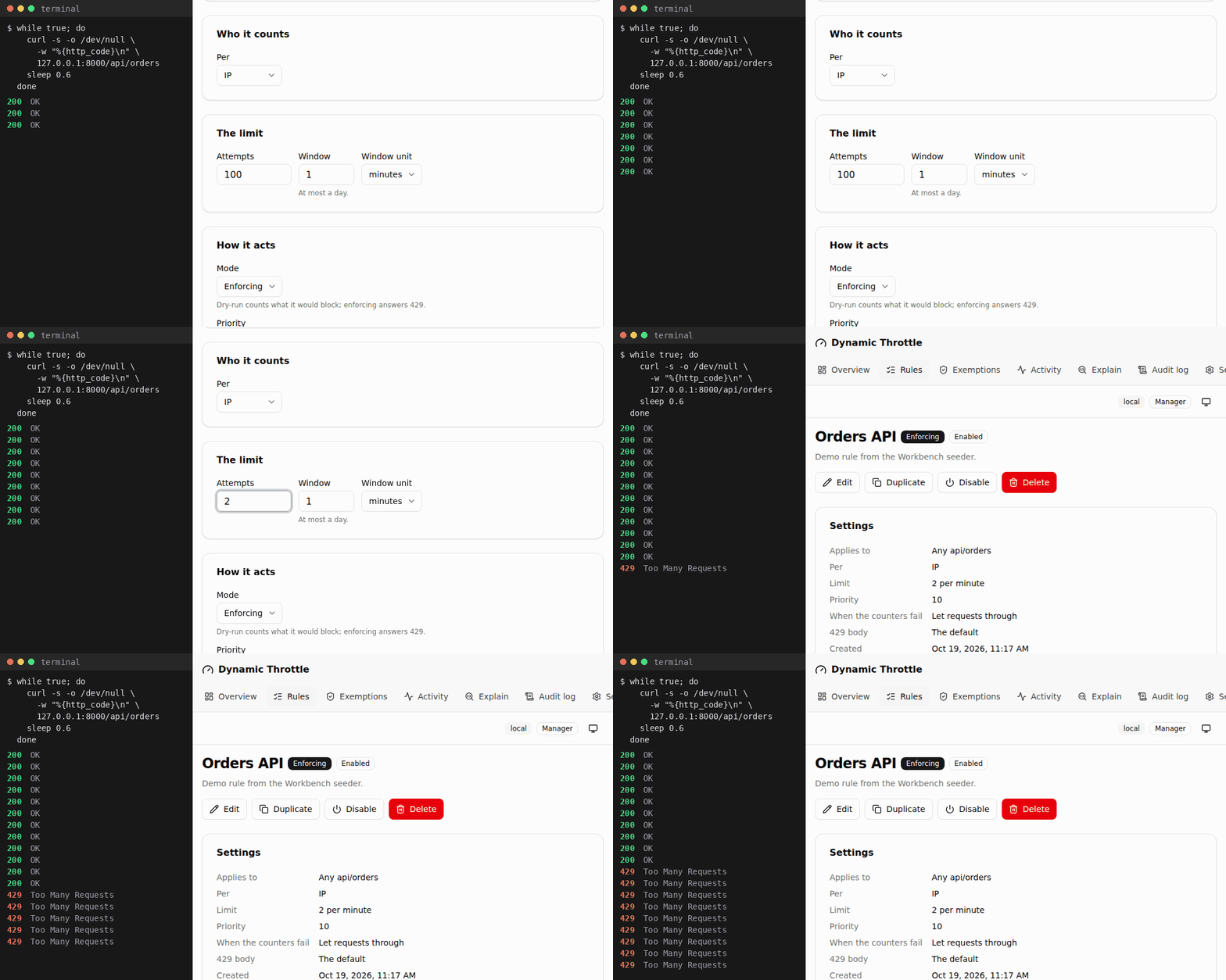
Laravel's throttle middleware works for limits you know up front. In production, you learn the right limits later, and in a hurry: a partner's integration starts getting 429s, a bot hammers /login at 2 a.m., or you want a stricter limit without knowing who it would block. With throttle, each fix is a code change and a deploy, and you still can't see who is blocked.
Dynamic Throttle makes limits data. Rules live in your database, you change them from a dashboard, Artisan or code, and every server applies the change within seconds.
| You want to | Laravel's throttle | Dynamic Throttle |
|---|---|---|
| Change a limit | Edit code and deploy | Edit the rule; servers apply it within 2 seconds |
| Try a limit before it blocks anyone | Not possible | Dry-run: the rule counts, never blocks, and reports who it would block |
| See who is blocked | Add your own logging | A live feed, and each rule's top offenders |
| Let a partner or a user through | A code change | An exemption, with an end date |
| Lift every limit during an incident | A deploy | dynamic-throttle:bypass on --for=30m, which ends by itself |
| Limit per tenant or plan | A custom limiter closure | A custom scope and one rule |
| Know why a request was blocked | Read the code | The Explain page, or dynamic-throttle:explain |
| Keep serving when Redis is down | An exception per request | Requests go through, or get a 503 on the rules you choose |
Requests never read the rules from the database: they are compiled into your cache. On local Redis, the middleware adds about 0.8 ms per request at p50 with APCu, against 1.0 ms for Laravel's throttle and 0.6 ms for its throttleWithRedis() (performance). It is not a firewall or bot detection, and it does not replace edge rate limiting such as Cloudflare or Nginx. Use it for limits that need to know who the client is.